Introduction
Choosing the right web hosting provider is one of the most critical decisions you’ll make when launching a website. With dozens of options on the market, finding a balance between affordability, performance, and reliability can feel overwhelming. Hostinger has positioned itself as a budget-friendly hosting solution that doesn’t compromise on essential features, with shared hosting plans starting at just $1.99 per month.
In this comprehensive review, we’ll explore Hostinger’s hosting offerings, examine what you get at that entry-level price point, and help you determine whether it’s the right choice for your website project.
About Hostinger
Founded in 2004, Hostinger has grown from a small free hosting provider into a global company serving millions of customers across 150+ countries. The company operates data centers in the United States, United Kingdom, Netherlands, Lithuania, Singapore, Brazil, and Indonesia, allowing users to choose a server location closest to their target audience for optimal performance.
Hostinger’s core philosophy centers on making web hosting accessible to everyone — from complete beginners launching their first blog to developers managing multiple client sites. Their control panel, hPanel, is a proprietary alternative to cPanel designed specifically for ease of use.
Hostinger Hosting Plans Overview
Hostinger offers several hosting categories to accommodate different needs and budgets:
Shared Hosting
Shared hosting is Hostinger’s most popular offering and where the $1.99/month price point applies. Three tiers are available:
- Single Shared Hosting — $1.99/month (renews at $3.99/month): 1 website, 50 GB SSD storage, 100 GB bandwidth, 1 email account, free SSL, weekly backups
- Premium Shared Hosting — $2.99/month (renews at $5.99/month): 100 websites, 100 GB SSD storage, unlimited bandwidth, free domain (first year), free SSL, daily backups, unlimited email
- Business Shared Hosting — $3.99/month (renews at $7.99/month): 100 websites, 200 GB NVMe storage, unlimited bandwidth, free domain (first year), free SSL, daily backups, unlimited email, CDN, staging tool
Note: The promotional prices require a 48-month commitment. Shorter terms are available at higher monthly rates.
Cloud Hosting
For websites that have outgrown shared hosting, Hostinger’s Cloud Hosting provides dedicated resources on a virtual private server with a simplified management experience. Plans start at $9.99/month and include dedicated IP, unlimited bandwidth, and priority support.
VPS Hosting
Developers and system administrators can choose from multiple VPS tiers with full root access, choice of operating systems, and scalable resources. Prices start at $4.99/month for the entry-level KVM 1 plan.
WordPress Hosting
Optimized specifically for WordPress, these plans include pre-installed WordPress, automatic updates, vulnerability scanning, and WordPress-specific caching. Pricing mirrors the shared hosting tiers but with WordPress-focused optimizations.
Key Features and Benefits
Performance and Speed
Hostinger uses LiteSpeed Web Server with LSCache technology across all plans, which delivers significantly better performance than traditional Apache setups. The Business and Cloud plans add NVMe storage — substantially faster than standard SSDs — and a built-in CDN powered by Cloudflare.
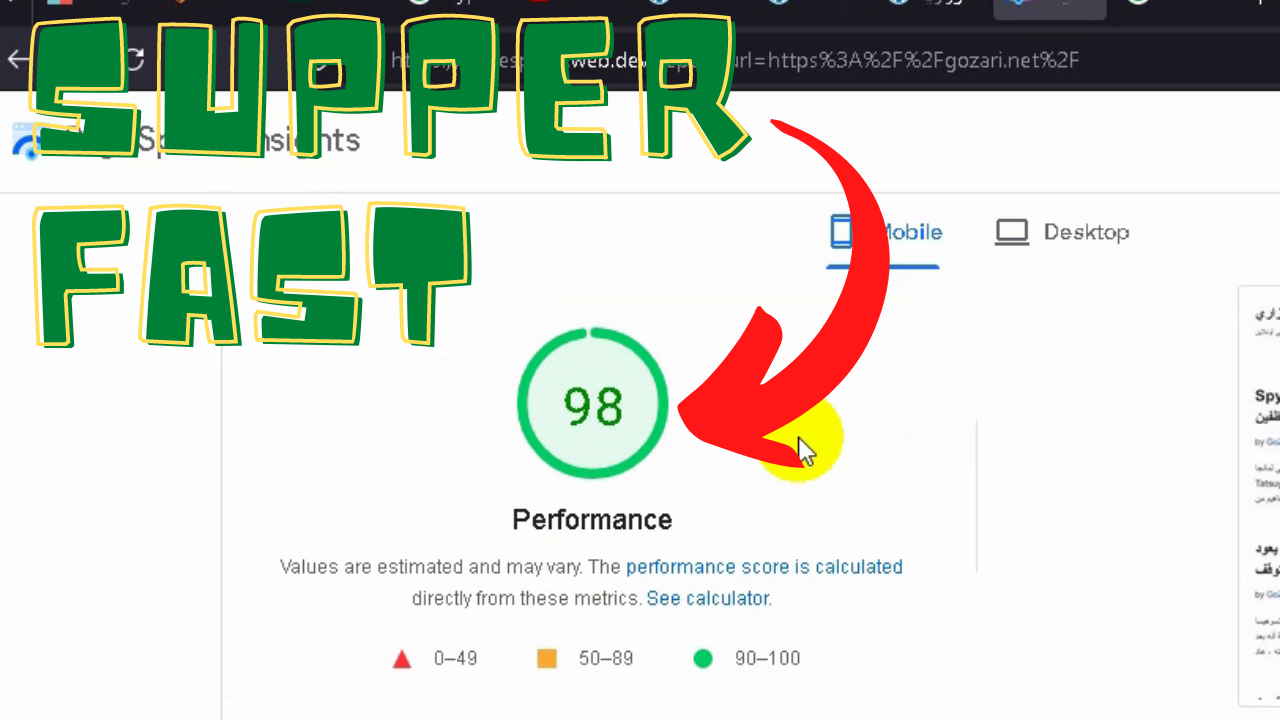
Data center location selection allows you to minimize latency for your primary audience. During testing, Hostinger consistently achieves load times under 1 second for lightweight sites and 1-2 seconds for heavier WordPress installations.
Security Features
Every Hostinger plan includes:
- Free SSL certificates (automatically installed and renewed)
- DDoS protection at the network level
- Automated malware scanning
- Web Application Firewall (WAF) rules
- Daily or weekly backups depending on the plan
- Two-factor authentication for account access
hPanel Control Panel
Hostinger’s proprietary hPanel replaces the industry-standard cPanel. While this means a learning curve for users migrating from other hosts, hPanel is generally considered more intuitive for beginners. Key functions — file manager, database management, email accounts, SSL management, and one-click installers — are accessible from a clean, modern dashboard.
The one-click installer supports 100+ applications including WordPress, Joomla, Drupal, Magento, and PrestaShop.
Customer Support
Hostinger provides 24/7 customer support via live chat and email ticketing. Phone support is not available. Response times for live chat typically range from 1-5 minutes during peak hours. The knowledge base is extensive, with step-by-step tutorials covering common tasks.
Priority support is reserved for Cloud Hosting and higher-tier Business plan customers.
Pros and Cons
Advantages
- Exceptionally low entry price point
- Solid performance for the price tier
- Free domain on annual plans (Premium and above)
- Free SSL certificates on all plans
- Multiple data center locations worldwide
- User-friendly hPanel interface
- 30-day money-back guarantee
- LiteSpeed caching included
Disadvantages
- Renewal prices are significantly higher than promotional rates
- Entry-level Single plan has tight resource limits (1 website, 50 GB storage, 100 GB bandwidth)
- No phone support
- Daily backups only on Premium and Business plans
- hPanel is proprietary — migration to/from cPanel hosts requires manual work
- No dedicated IP on shared plans
- Uptime guarantee is 99.9% (industry standard, but some competitors offer 99.99%)
Who Is Hostinger Best For?
Ideal Candidates
- Beginners launching their first website — the low cost reduces risk while learning
- Personal blogs and portfolio sites — resource needs are modest
- Small business websites — Premium and Business plans offer good value
- Students and hobbyists — budget-friendly for learning and experimentation
- Agencies managing multiple client sites — Premium/Business plans allow 100 websites
Less Suitable For
- High-traffic e-commerce stores — consider Cloud or VPS hosting instead
- Mission-critical applications requiring 99.99%+ uptime
- Users who prefer cPanel — hPanel is a different workflow
- Projects needing phone support
- Developers requiring specialized server configurations — VPS offers more control
Hostinger vs. Competitors
Hostinger vs. Bluehost
Bluehost’s basic plan starts at $2.95/month (promotional) but renews at $9.99/month — significantly higher than Hostinger’s renewal rates. Bluehost uses cPanel, which some users prefer, and includes a free domain for the first year on all plans. Hostinger generally outperforms Bluehost on raw speed metrics at comparable price points.
Hostinger vs. SiteGround
SiteGround positions itself as a premium host with prices starting at $14.99/month after promotion. You’re paying for superior support (including phone), proprietary caching, and exceptional uptime. Hostinger is the budget alternative; SiteGround is the “set it and forget it” premium option.
Hostinger vs. A2 Hosting
A2 Hosting’s Turbo plans offer excellent performance with LiteSpeed, similar to Hostinger. However, A2’s promotional pricing is less aggressive, and renewal rates are higher. A2 does offer phone support and a choice of cPanel or their custom panel.
Getting Started with Hostinger
If you decide Hostinger fits your needs, the signup process is straightforward:
- Visit Hostinger’s website and select your desired plan
- Choose your billing cycle (longer terms = lower monthly cost)
- Register a new domain or use an existing one
- Create your account and complete payment
- Access hPanel and use the one-click installer for WordPress or your preferred CMS
- Point your domain to Hostinger’s nameservers if registered elsewhere
Most users can have a basic WordPress site live within 15-20 minutes of signup.
Money-Back Guarantee and Refund Policy
Hostinger offers a 30-day money-back guarantee on all hosting plans. Domain registrations are non-refundable after purchase, and certain add-ons (like dedicated IP addresses) may have different refund terms. The refund process is handled through live chat or ticket submission and typically processes within 5-10 business days.
Final Verdict
Hostinger delivers remarkable value at its promotional price points, making it an excellent choice for anyone launching a website on a budget. The $1.99/month entry plan provides enough resources for a modest personal site, while the Premium and Business tiers offer genuine utility for growing projects at still-reasonable prices.
The trade-offs are clear: you’ll pay significantly more at renewal, support is chat-only, and the proprietary control panel means a learning curve if you’re accustomed to cPanel. For most beginners, small businesses, and portfolio sites, these compromises are acceptable given the cost savings.
If your project demands premium support, guaranteed uptime above 99.9%, or specialized server configurations, investing in a higher-tier provider like SiteGround or WP Engine may be worthwhile. But for the vast majority of new websites, Hostinger strikes a practical balance of affordability and capability.
Frequently Asked Questions
Is the $1.99/month price permanent?
No. The $1.99/month rate applies only to the initial 48-month term. Upon renewal, the Single Shared Hosting plan renews at $3.99/month. Shorter initial terms are available at higher monthly rates.
Can I upgrade my plan later?
Yes. You can upgrade from any shared hosting plan to a higher tier at any time. The process is handled within hPanel and typically completes within minutes with no downtime.
Does Hostinger offer free site migration?
Hostinger provides one free website migration for new customers on Premium and Business shared hosting plans, as well as Cloud Hosting plans. Single plan customers can purchase migration as an add-on or handle it manually.
What happens if I exceed my resource limits?
On shared hosting, hitting resource limits (CPU, RAM, entry processes) may result in temporary throttling. Hostinger will typically notify you before taking action. Upgrading to a higher plan or Cloud Hosting resolves this.
Is Hostinger good for WordPress?
Yes. Hostinger’s WordPress-optimized plans include automatic updates, vulnerability scanning, staging environments (Business plan and above), and LiteSpeed caching specifically tuned for WordPress. The one-click installer makes setup effortless.